
01
Start with your voice
Speak as soon as a thought arrives instead of losing momentum in a keyboard switch.
Boltype helps your voice become clean, ready-to-send text across phone and desktop. It keeps your meaning, smooths the phrasing, and gives fast input a more human finish.
Available across Android, iOS, Windows, and macOS
Hey, I might be a little late this afternoon. Let me review the proposal first and I’ll send you a note right after.
I may be a little late this afternoon. I’ll review the proposal first and follow up right after.
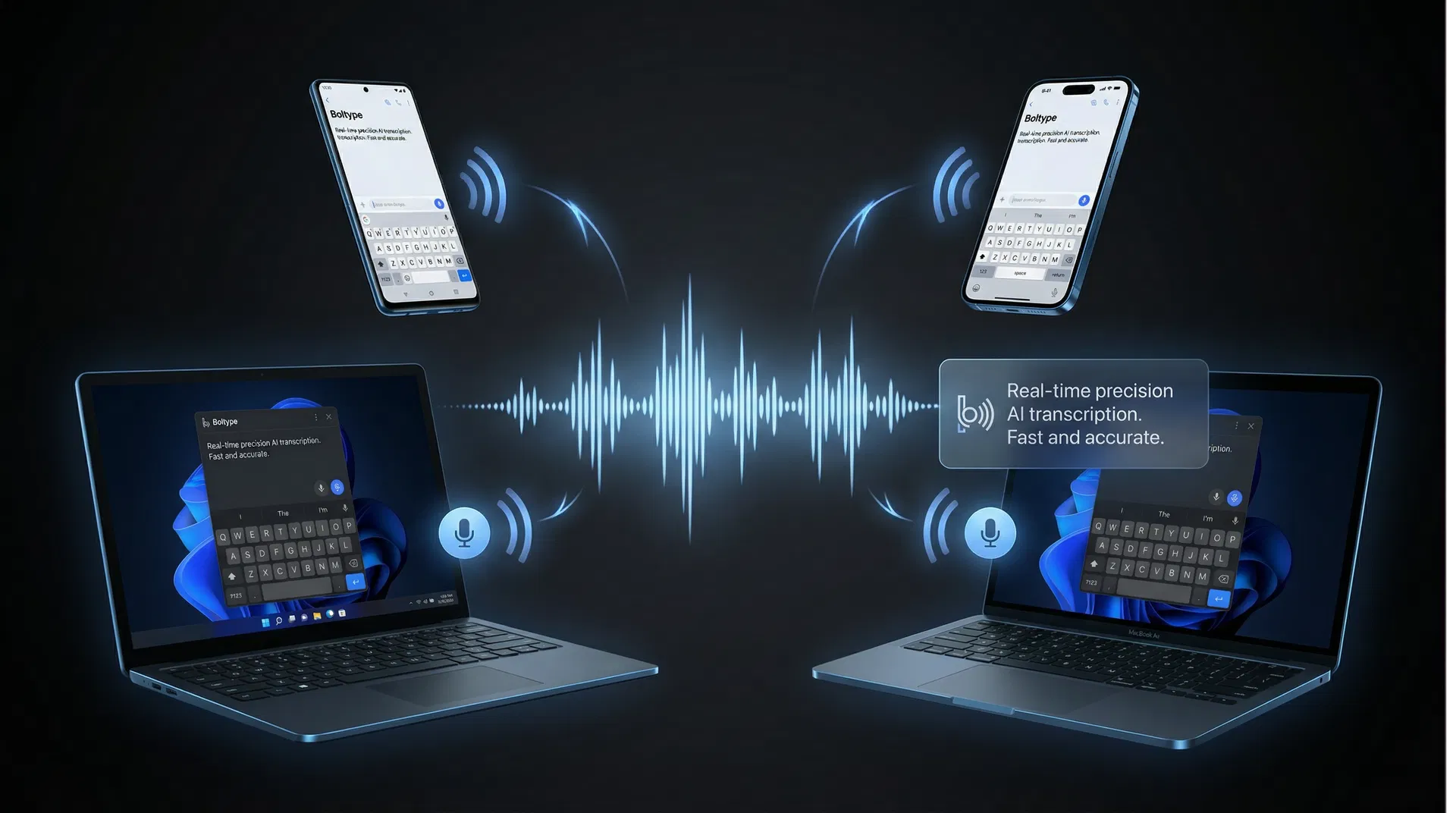
One calm workflow, across every device.
Boltype keeps the same writing experience whether you are replying on a phone or working across desktop apps.
The goal is not just speed. It is helping everyday writing feel easier, cleaner, and more presentable the first time.
Speak as soon as a thought arrives instead of losing momentum in a keyboard switch.
Boltype removes filler, improves flow, and turns spoken ideas into writing that still sounds like you.
From quick chat replies to work messages and notes, it is designed for everyday writing moments.
Boltype keeps the intent of what you say while helping the final message feel calmer, clearer, and more considerate.
hey john i might be around 10 mins late for the meeting, let me check the deck again and i’ll message you after
Hi John, I may be about 10 minutes late for the meeting. I’ll review the deck once more and follow up right after.
 AI voice keyboard for thoughtful, polished writing
Boltype helps your voice become clean, ready-to-send text across phone and desktop. It keeps your meaning, smooths the phrasing, and gives fast input a more human finish.
Open voice input from the keyboard or a system shortcut as soon as you need it.
See your speech turn into text with clear status feedback while you speak.
Polish, rewrite, or adjust tone without leaving the field you are working in.
Send directly when it looks right, or confirm first when the moment needs extra care.
Stay in control with a fast way to reverse or restore inserted text.
Boltype is strongest when you want the comfort of speaking and the finish of considered writing.
Reply naturally without sending a messy voice transcript.
Turn spoken updates into messages that feel more composed and professional.
Keep momentum while drafting ideas, summaries, and longer thoughts.
Handle product names, professional terms, and domain vocabulary with more confidence.
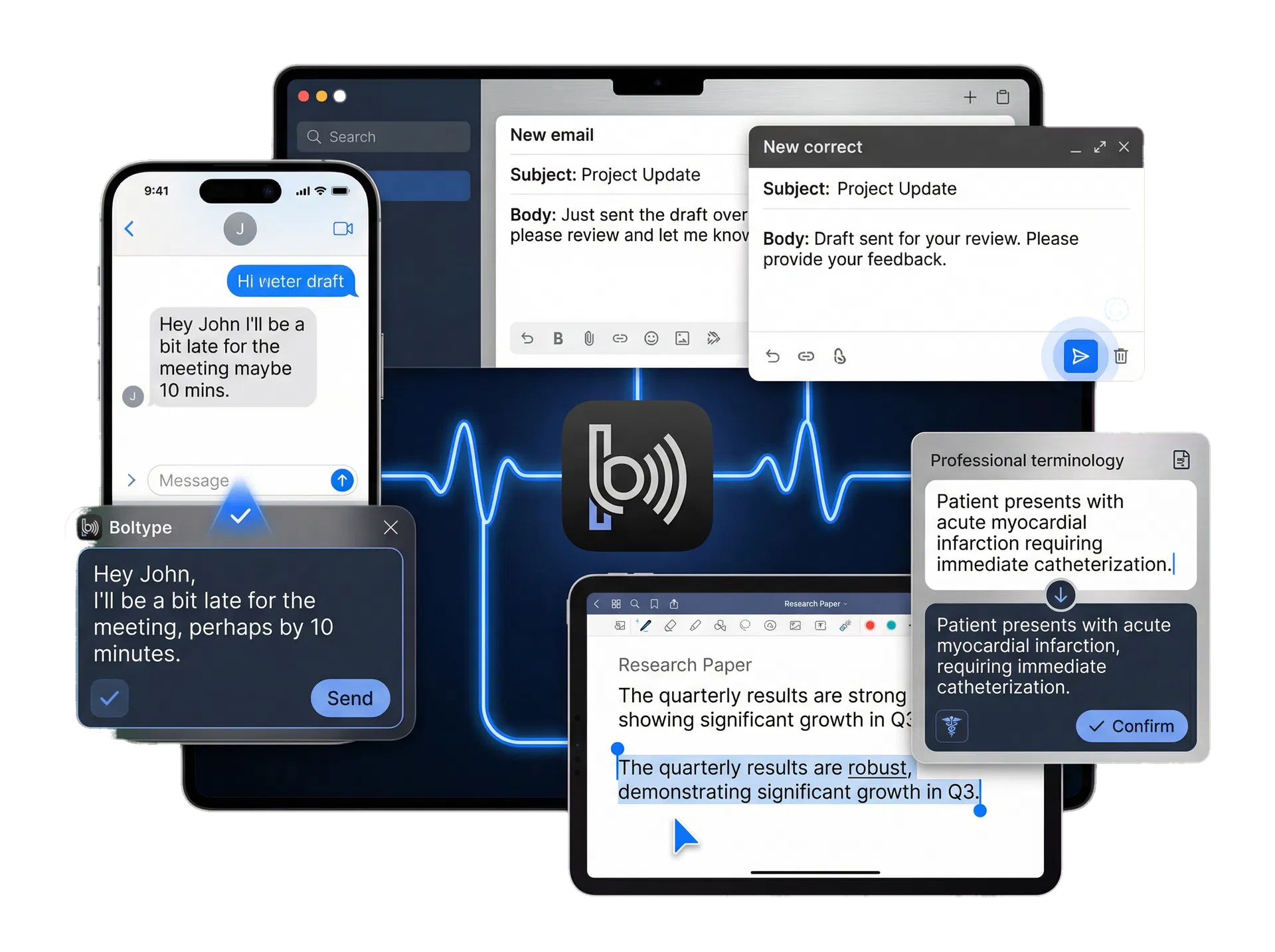
Each capability exists to make the final writing experience smoother, calmer, and easier to rely on.
Improve rhythm, phrasing, and readability while preserving intent.
Say things like “make this more formal” or “translate this” without breaking your flow.
Recognize specialized vocabulary more reliably in real working contexts.
Understand whether text will insert immediately or wait for your confirmation.
Fix or restore the result quickly when you need to change direction.
Keep the same core experience across mobile devices and desktop environments.
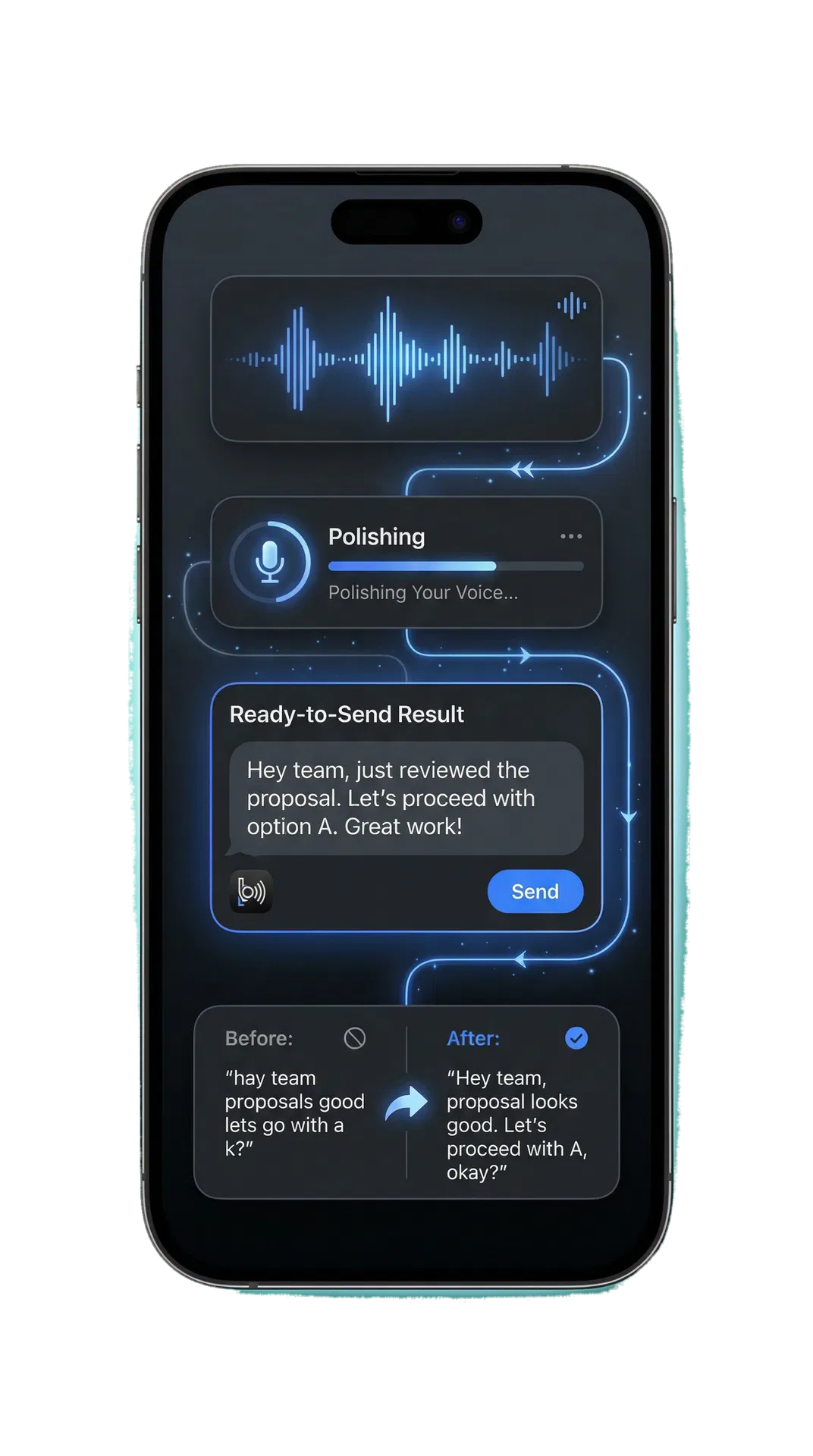
Each platform has its own context, but the overall interaction stays familiar, fast, and clear.
Use Boltype directly inside the keyboard for frequent, everyday voice input.
Bring cleaner voice writing into a more natural mobile messaging flow.
Launch voice input globally with shortcuts and insert text into your active app.
Keep desktop voice writing fluid and controllable throughout your workday.
Use the matching destination for your platform. These buttons are ready for the four store links in your launch flow.
Replace these temporary store destinations with your final Boltype app listing URLs when the stores are ready.
A gentle free tier makes it easy to try Boltype before it becomes part of your daily workflow.
A simple way to start
$7.99/mo billed yearly
For more specialized teams
Pricing details can be adjusted before launch if your public plan changes.
Boltype helps natural speech arrive as writing you feel comfortable sending.
Not necessarily. Depending on the mode, Boltype can refine speech before insertion or let you confirm the result first.
Yes. Quick undo and recovery are part of the core experience, especially when text is inserted automatically.
It is designed for chat, email, documents, notes, technical writing, and other everyday typing moments.
The website supports English, French, German, Japanese, and Korean, with English as the default version.
Boltype helps natural speech arrive as writing you feel comfortable sending.